In iOS 17 and macOS Sonoma, turning off iCloud Drive no longer impacts third-party apps that use Apple’s iCloud database to sync their data, a notable change that is likely to be welcomed by both developers and users.
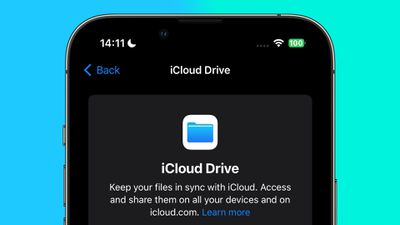
In previous versions of macOS and iOS, when iCloud Drive is manually disabled in System Settings or the Settings app, this also turns off iCloud (i.e. CloudKit) database access for third-party apps, even if they don’t use an iCloud Drive folder. This is despite the fact that iCloud syncing of Apple’s own stock apps remains unaffected.
This behavior is not made clear in Apple’s user-facing settings, which confusingly include separate switches to turn iCloud on and off individually for iCloud Drive, system apps, and third-party apps.
Moreover, iCloud Drive can take a considerable amount of device storage, therefore some users may choose to disable it, without realizing that they are also preventing some third-party apps from syncing between their devices.
By making iCloud Drive and third-party app iCloud access configuration independent from one another in iOS 17 and macOS Sonoma, cloud management better reflects the Settings interface. It also means that users with company-issued devices where iCloud Drive is disabled as a matter of policy will still be able to use third-party apps that depend on iCloud syncing to function properly.
Popular Stories
Gmail, Google Docs and Google Sheets Gain Support for 2018 iPad Pro Models
Google today updated its Gmail, Google Docs, and Google Sheets apps for iOS devices, introducing support for the new 11 and 12.9-inch iPad Pro models. The update brings an optimized form factor that no longer features distracting black bars at the top and bottom of the display in portrait mode or at the sides in landscape mode. Following the update, the Gmail app takes up the entirety of the…
Here Are All the Macs Compatible With macOS Monterey
macOS Monterey is compatible with many of the Macs that were able to run macOS Big Sur, but it drops support for some older MacBook Air and iMac models from 2013 and 2014. A full compatibility list is below: iMac – Late 2015 and later iMac Pro – 2017 and later MacBook Air – Early 2015 and later MacBook Pro – Early 2015 and later Mac Pro – Late 2013 and later Mac mini -…