Apple seeded the fifth developer beta of iOS 26 today, and while the number of significant changes has dropped, there are quite a few smaller tweaks. Apple is continuing to refine button placement, animations, and design in preparation for launching iOS 26 in September.

Camera
Apple added a toggle in the Camera app to allow users to toggle on Classic Mode, a setting that reverses the scroll direction when you swap from mode to mode.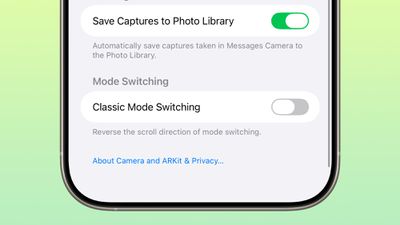
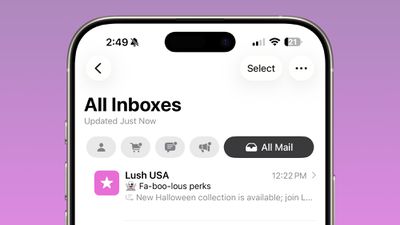
There is now a dedicated Select button in the Mail app, instead of the button being tucked away inside of the “…” menu.
AirDrop Icon
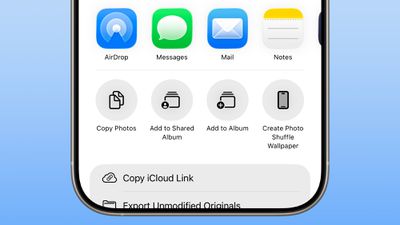
There is a new AirDrop icon in the Share Sheet.
Lock Screen
There is an animation when entering your passcode on the Lock Screen, with the numbers jumping in to place. There’s also a new animation when locking the iPhone when playing music.
Control Center
There’s a new bouncy animation when swiping through Control Center pages.
Control Center Wi-Fi
The Wi-Fi button in Control Center now shows whether a Wi-Fi network is private or public when long pressing on the Wi-Fi icon. If a Wi-Fi network is password protected, it has a lock next to the Wi-Fi symbol.

Traveling Features
Apple is adding a predictive Siri feature that can determine when you are about to travel, showing suggestions for cellular connectivity while you are out of your home country.
Wallet
In the Wallet app, the “Payments” button for Apple Card is now labeled “Preauthorized Payments” to make it more clear what the button is for.

Splash Screens
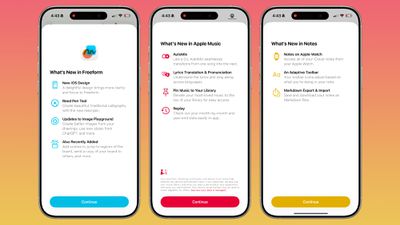
There are iOS 26 Splash Screens for more apps, giving people a preview of what’s new.
Battery
There is a Dynamic Island low battery warning when the battery hits 20 percent on an iPhone.

Dock
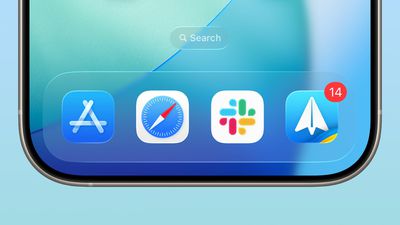
The Liquid Glass surrounding the Home Screen dock is wider
Fitness
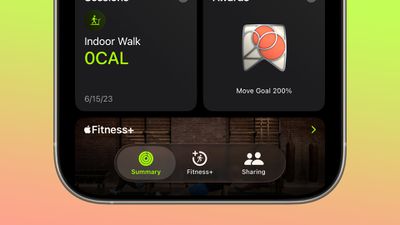
There is a new icon for Fitness+ in the Fitness app.
Prioritize Downloads
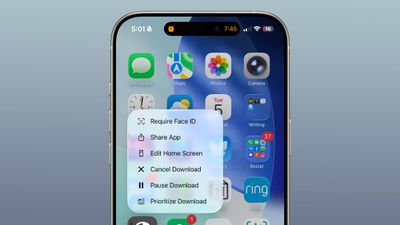
When downloading multiple updates from the App Store, there’s once again an option to long press to prioritize a specific download on iPhone.
Read More
We have additional info on all of the new features in iOS 26 in our roundup.