Just ahead of the launch of the AirPods Max 2, Apple has released new firmware for the headphones. The updated firmware is version number 8E251.
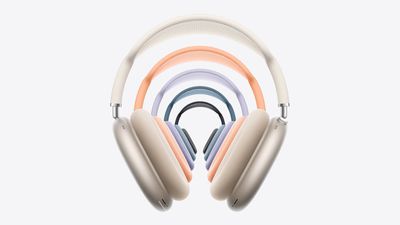
The AirPods Max 2 include the H2 chip, an upgrade over the H1. The H2 brings several new features like Live Translation, Adaptive Audio, Loud Sound Reduction, Voice Isolation, and more. The new firmware likely optimizes some of these new features.
Customers who buy the AirPods Max 2 can follow Apple’s steps to get the new firmware.
To get the new firmware, make sure your AirPods are in range of your iPhone, iPad, or Mac and are connected via Bluetooth. From there, connect the Apple device to Wi-Fi, then connect the AirPods Max to power with a USB-C cable. Keep the AirPods Max in Bluetooth range of the Apple device, and wait at least 30 minutes for the firmware to update.
From there, reconnect the AirPods to the Apple device, and check the firmware version to see if it’s updated. Apple says if the firmware doesn’t install, to restart the AirPods Max and try again.